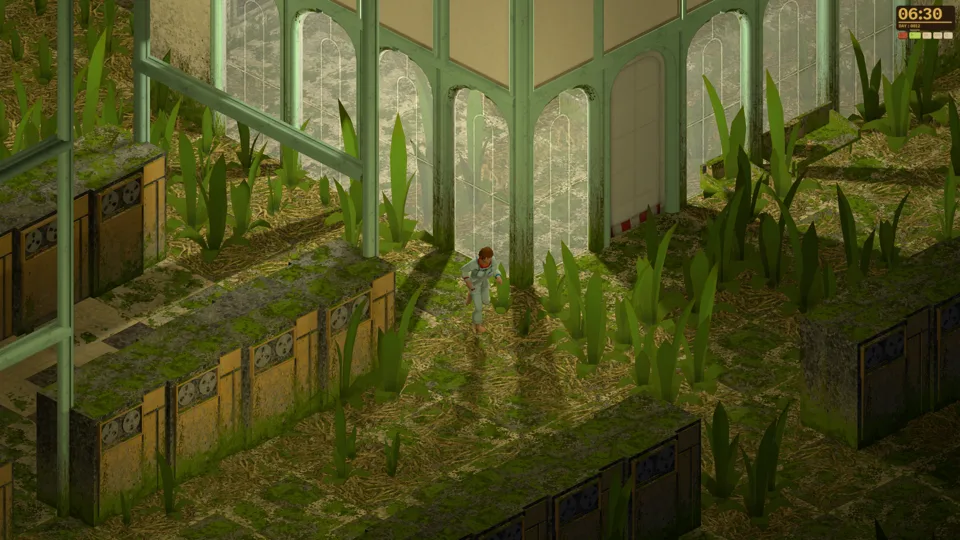
Keep a route back
A stable view and short retraceable trips help when similar corridors become disorienting. Familiarity does not guarantee the same growth or water source.
Camera orientation and route checks →Dandelion Void / Public demo field notes
The Windows public demo is available now. Choose the right app, follow a route through the Pergola, prepare food and keep survival warnings separate.
October 8 public-demo launch trailer · The Triple-i Initiative. Manzanita Interactive · official Press Kit. Representative room, not a verified first-bed location or current crafting recipe. The press-kit poster predates the demo.
Field notes for a very large ship
Get the available demo despite the parent game’s 2027 date, and separate this solo trial from future multiplayer plans.
02Choose a route you can retrace, regain camera orientation and identify the kind of door blocking your path.
03Choose food and the right preparation station, using cookable labels rather than guessed recipes or mushroom colours.
04Read the warning before choosing supplies, then find a workable retreat: Dying, Bleeding and the added dirt need call for different checks.
05Choose materials and the right crafting interface for repeatable weapons, furniture, tools or cookable food.
06Separate an unresponsive exit menu, a successful title-screen save and world-state problems after loading.
Know your surroundings
A stable view and short retraceable trips help when similar corridors become disorienting. Familiarity does not guarantee the same growth or water source.
Camera orientation and route checks →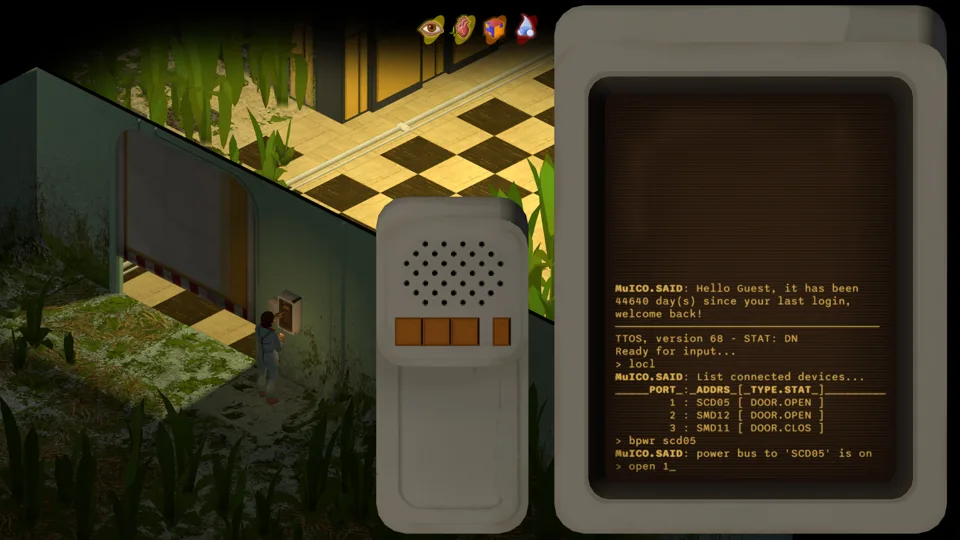
A vegetation-stuck door differs from a computer-controlled entrance. Use the matching report before assuming a universal unlock.
Stuck doors versus terminal controls →Watch the current demo
Neyreyan's October 12 demo session shows a first exploration and home-making attempt. It is one creator's experience, with personal opinions, rather than a complete walkthrough or a verified recipe chart.
Original YouTube video, played here on request. The official camping screenshot is a representative poster, not a captured frame from this video.
Find your next guide
Public demo / October 2026
A bandage check differs from a meal. Eating dirt is not a verified cure. A loaded save does not prove cleaning still works. Parent online tags do not establish demo co-op. Each guide keeps those distinctions beside its steps.
These are attributed current-demo accounts and developer notes, checked October 12. We do not claim our own gameplay test, an exact terminal command, a first-bed location or a universal save repair.
Original sources, versions and media credits →